Before: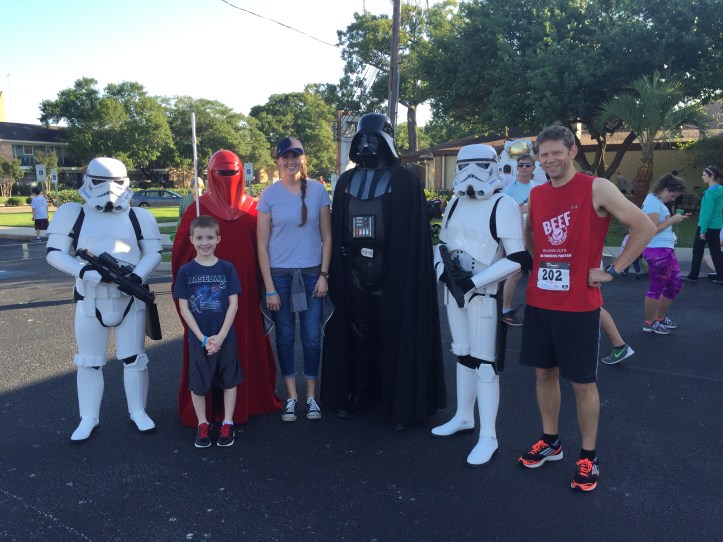
After:
 Star Wars was at my husband’s last race 🙂 I used Levels in the Adjustment panel to give the picture more overall contrast. Then I used the Self Healing Brush to remove most of the distracting white dots in the foreground. I selected and deleted the passerby’s leg (on the right side) with the magnetic lasso tool, and then used the Magic Eraser and the Dodge Tool until I felt the asphalt was blended where the leg had been. Then I removed the sponsor’s name from the red shirt over the bib number with the Self Healing Brush, but made sure to keep it looking a little bit like he had just run in it (slightly darker red in a few places).
Tool: Photoshop
 Designs by Janetta